

Vibe coding in 2026 has turned into one of the biggest shifts in how software gets made. Instead of learning syntax and debugging for months, people now describe an app in plain English and let AI write the actual code.
At AI Tech Pulse, we get asked constantly whether this is really something a total beginner can do, or whether it’s just marketing hype dressed up as a new trend. This article breaks down what vibe coding actually is, which tools are worth trying in 2026, and — just as importantly — what it still can’t do for you.
What Does Vibe Coding in 2026 Actually Mean?
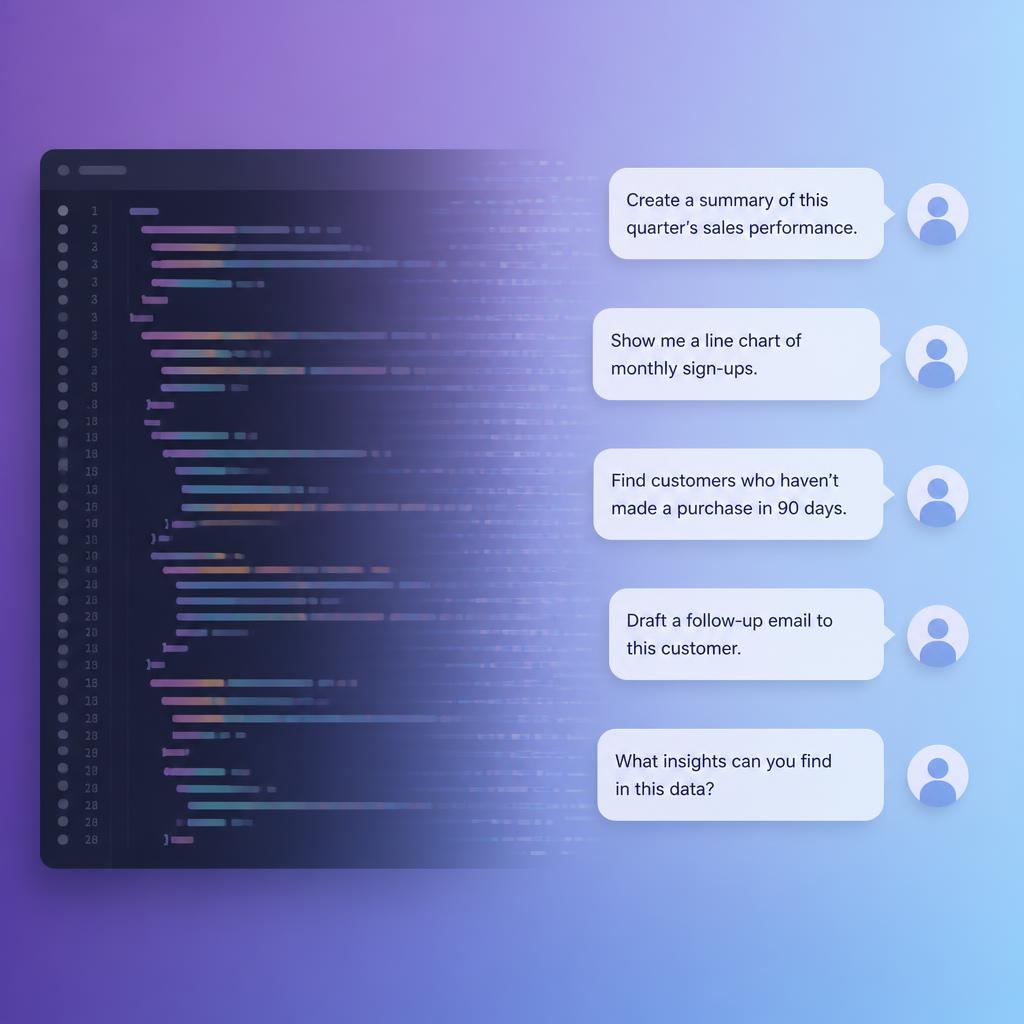
Vibe coding is the practice of describing what you want an app to do in natural language, then letting an AI system generate the working code for you. You don’t need to know what a “function” or a “database schema” is to get started.
Instead of writing if (user.isLoggedIn), you might type something like “only show the dashboard to people who are logged in.” The AI translates that instruction into real, functioning code behind the scenes.
This is different from older “no-code” tools, which relied on dragging boxes and connecting them with arrows. Vibe coding tools generate actual source code — you’re just not the one typing it line by line.
Where the Term Came From
The phrase was coined by Andrej Karpathy, a well-known AI researcher and former Tesla AI director, in a post in February 2025. He described the experience of building software while letting go of the need to understand every line, essentially “giving in to the vibes” and trusting the AI to handle the implementation.
The term caught on fast. By November 2025, Collins Dictionary named “vibe coding” its Word of the Year, citing how it captured a real shift in how people interact with computers. Collins’ own definition describes it simply as using AI, prompted in natural language, to help write code.
By 2026, the idea had moved well past a buzzword. Vibe coding platforms are now used by millions of non-developers to launch real, working products.
Vibe Coding vs Traditional Programming
The table below lays out the practical differences for someone deciding which route to take.
The Shift: Traditional vs. Vibe Coding
See how AI assisted development is completely transforming the way we turn ideas into functional apps.
Learning a programming language
Clear, plain-English descriptions
Weeks to months of setup & writing
Minutes to hours from start to finish
You, line by line, character by character
AI, entirely based on your prompts
Manual, requires understanding the code
Often handled by re-prompting the AI
Straightforward if you wrote it yourself
Can be difficult without technical help
Complex, custom, large-scale systems
Prototypes, MVPs, internal tools, small apps
Neither approach makes the other pointless. Traditional programming still matters for anything large, security-sensitive, or highly customized. Vibe coding shines when speed matters more than deep customization.
The Best Tools for Vibe Coding in 2026
Not every vibe coding tool is built for the same person. Some are made for complete beginners, others quietly assume you already know how to code.
Tools built for non-coders
- Lovable — generates a complete, deployed full-stack web app from a chat conversation, including the backend and database, without requiring any code.
- Replit — combines an AI code generator with an online workspace and one-click deployment, often described as a beginner-friendly, all-in-one option.
- Base44 — aimed squarely at people with zero technical background, focused on turning a plain description into a usable product quickly.
Tools that bridge coding and AI
- Cursor — an AI-powered code editor built primarily for people who already write some code but want AI to handle repetitive parts.
- GitHub Copilot — one of the most widely used AI coding assistants, mainly used by professional developers as an autocomplete-style tool rather than a beginner platform.
- v0.dev (by Vercel) — focuses on generating visual interface components rather than complete applications, which makes it better suited to developers than total beginners.
If you have never written a line of code, tools in the first group are the realistic starting point. The second group tends to assume at least some familiarity with how software is structured.
How Vibe Coding Actually Works, Step by Step
- Describe the idea. You explain what you want the app to do, in plain language — for example, “a booking calendar where clients can pick a time slot and pay a deposit.”
- The AI generates a first version. Within minutes, you get a working prototype you can click through in your browser.
- You react and refine. If something looks wrong or missing, you describe the change instead of editing code directly — “make the calendar show only weekdays.”
- The AI updates the app. It regenerates the relevant part of the code based on your feedback, and the changes appear live.
- You repeat until it’s usable. Most beginners go through several rounds of this before an app feels ready to share.
- You deploy it. Many vibe coding platforms include one-click hosting, so the app goes live without a separate technical setup step.
This loop — describe, generate, react, refine — is the core rhythm of vibe coding, and it’s very different from the plan-then-build approach traditional programming usually follows.

What You Can Realistically Build as a Beginner
Vibe coding is genuinely capable of producing usable, working software for a beginner. Realistic examples include:
- A booking or scheduling tool for a small business
- An internal tracker or dashboard for a team
- A simple e-commerce storefront
- A personal project, like a habit tracker or budgeting app
- A landing page with a working signup form
These are exactly the kinds of projects people are shipping with vibe coding tools in 2026, often in a single afternoon.
The Real Limitations of Vibe Coding
This is the part most marketing pages skip, so it’s worth being direct about it.
AI-generated code can be wrong. It can look complete and still contain bugs, security gaps, or logic errors that aren’t obvious just from clicking around the app.
Maintenance gets harder over time. A non-developer can generate an app quickly, but making deeper changes later — especially without understanding the underlying code — often becomes difficult without bringing in a developer.
Not every tool builds a full application. Some only generate the visual front-end, leaving you without a working backend, database, or user accounts unless you pair it with another tool.
Security still needs attention. Basic protections like user authentication are increasingly built into these platforms, but that doesn’t mean every generated app is automatically safe to launch with real user data.
None of this means vibe coding isn’t useful — it means it has a realistic scope, and knowing that scope in advance saves a lot of frustration.
Is Vibe Coding a Replacement for Learning to Code?
For prototypes, small tools, and personal projects, often yes — you can build and ship something real without ever learning to code formally.
For anything that needs to scale, handle sensitive data, or be maintained for years, understanding at least the basics of how the generated code works still matters. Several platforms, including WeWeb, now let you export the underlying source code so a developer can take over later — which is worth checking before you commit to a tool.
A practical middle ground many beginners take: use vibe coding to validate an idea fast, then bring in a developer once it needs to grow.
Vibe Coding and the Software Industry
The scale of adoption in 2026 is hard to overstate. Industry surveys cited by Zapier’s roundup of vibe coding tools put daily AI-assisted coding usage among developers in the 90-percent range, a number that would have sounded unrealistic just two years ago.
This shift isn’t limited to hobby projects. Major technology companies now report that a meaningful share of their own code is AI-generated, and platforms built around AI-assisted development have attracted billions of dollars in valuation. The University of Cincinnati’s overview of the trend frames it as one of the fastest-moving shifts in how software gets built in years.
For AI Tech Pulse readers curious about the broader AI landscape behind tools like these, our explainer on GPT-6 Astra covers how newer AI models are pushing this kind of capability forward.
A Beginner’s First Week With Vibe Coding
Here’s a realistic path for someone starting from zero.
Day 1–2: Pick one small idea. Not a startup — something specific, like a simple tool you personally wish existed. A narrow idea is far easier to describe clearly.
Day 3: Choose a beginner-friendly tool. Based on your project, pick a platform built for non-coders rather than a developer-focused editor.
Day 4–5: Build and refine. Describe the app, react to what comes out, and keep refining in small steps rather than trying to describe everything at once.
Day 6: Test it like a stranger would. Click through every button and form as if you’d never seen the app before — this is usually where the real gaps show up.
Day 7: Share it with a few people. Real feedback from a handful of users teaches you more than another day of solo tweaking.
This kind of slow, iterative approach tends to work far better than trying to describe a finished, polished app in one long prompt.
Common Mistakes Beginners Make
- Writing one giant prompt instead of building the app in small, testable steps.
- Skipping the testing step, and assuming that if it looks right, it works right.
- Ignoring login and data security on apps that will hold real user information.
- Picking a developer-focused tool by mistake, then getting stuck because it assumes coding knowledge.
- Never asking whether the tool exports real code, which matters if you ever need a developer’s help later.
Frequently Asked Questions
Do I need any coding experience to try vibe coding?
No. Tools built for beginners, like Lovable, Replit, and Base44, are specifically designed for people with no programming background.
Is vibe coding the same as no-code website builders?
Not exactly. Traditional no-code tools use visual drag-and-drop editors, while vibe coding tools generate real, working source code from natural-language descriptions.
Can a beginner really launch a working app this way?
Yes, for prototypes, internal tools, and small products. Larger, more complex, or highly customized software usually still benefits from a developer’s involvement at some point.
Is AI-generated code safe to use?
It can be, but it isn’t automatically safe. Basic protections vary by platform, and anything handling real user data deserves an extra security review before launch.
Will vibe coding replace professional developers?
Not based on current evidence. It’s changing how prototypes and smaller tools get built, but complex, large-scale software still relies heavily on experienced developers.
Conclusion
Vibe coding in 2026 has made building software genuinely accessible to people who never planned to learn programming. With tools like Lovable, Replit, and Base44, describing an idea in plain English can turn into a working, deployed app in a single afternoon.
At the same time, it isn’t magic. Generated code can still have bugs, some tools only cover part of the job, and anything meant to scale or handle sensitive data still benefits from real technical review.
Used with realistic expectations, vibe coding is one of the more genuinely useful shifts in recent AI history — a fast way to test an idea before deciding whether it’s worth building properly. AI Tech Pulse will keep covering these tools as the space keeps moving.